Asset Status at a Glance
Reported location, activity and utilization by asset

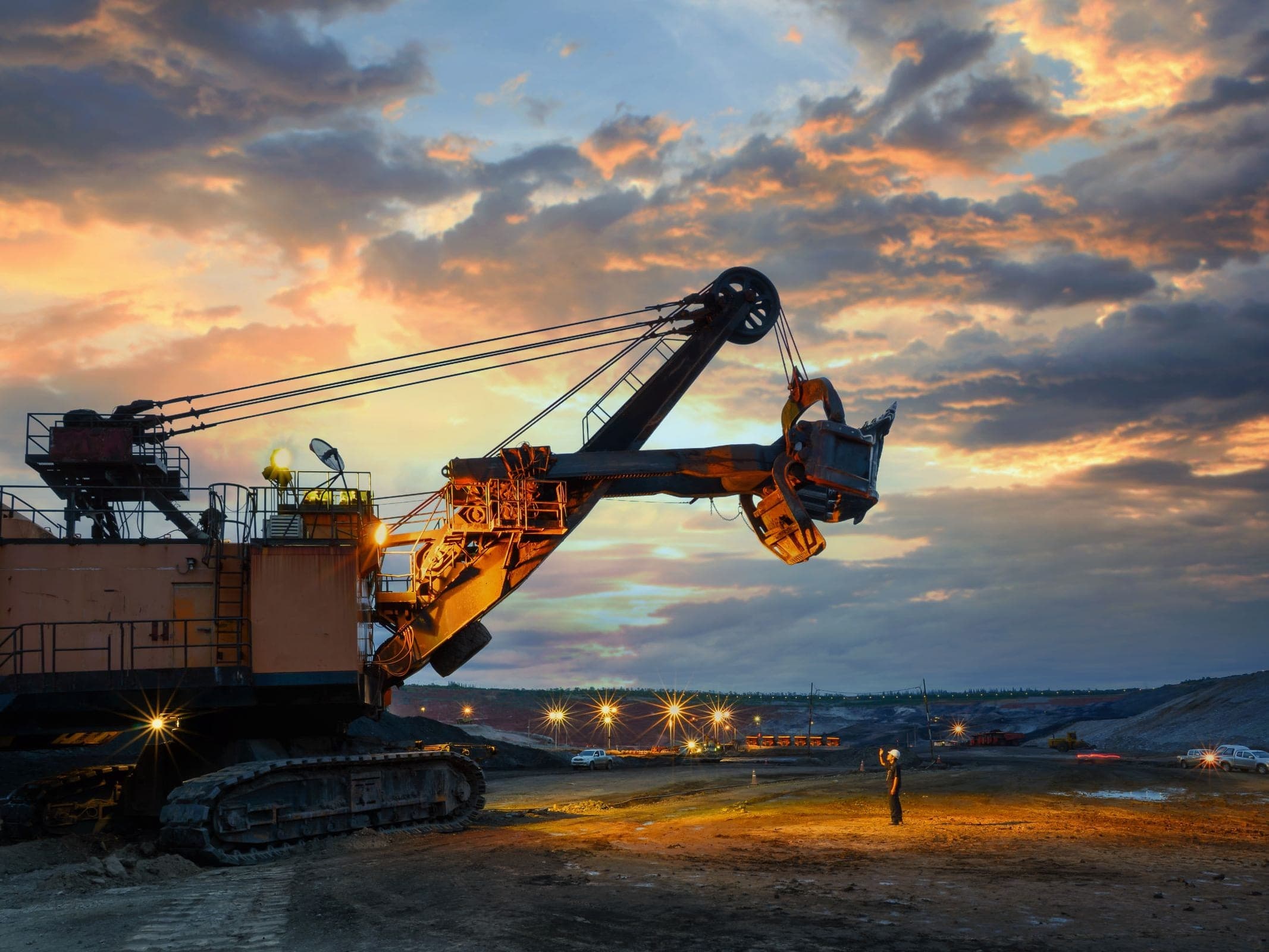
SolidTrack connects asset location, utilization, maintenance and field operations in one platform. While fleet trackers usually follow the carrier, SolidTrack can build the operational record around the attachment or tool itself as it moves between machines, sites and shifts. SolidAI helps teams interpret that wider operational picture.
Reported location, activity and utilization by asset
Usage Intelligence
A generic tracker records that a breaker ran. SolidTrack shows how that working time was spent. Telemetry analysis organizes breaker activity into impact-duration patterns, giving operations and maintenance teams more context than a single hour total can provide.
Controlled Impact
0-20 s
Short, controlled firing cycles.
Extended Impact
21-40 s
Longer cycles that are useful to compare over time.
Mushrooming Risk
41-80 s
Longer firing patterns associated with increased mushrooming risk.
Prolonged Impact
81-180 s
Sustained firing that may warrant operational review.
Repositioning
≤ 300 s
Productive pauses between firing bursts.
Blank firing can disappear inside a conventional hour total. SolidTrack uses telemetry analysis to detect and classify patterns associated with blank firing, then reports them separately for operational review.
Time on site is not the same as time at work. SolidTrack separates recorded activity from inactive periods so utilization can be compared asset by asset.
Put breakers, assigned operators, sites or shifts side by side in SolidAI Hub. SolidAI Assistant helps explain the figures in plain language, so teams can move from a pattern in the data to a practical next step.
Attachments move between carriers, but their hours, service history and documents should not disappear with every move. SolidTrack gives the tool its own asset record, keeping activity and operational context with the equipment that actually did the work.
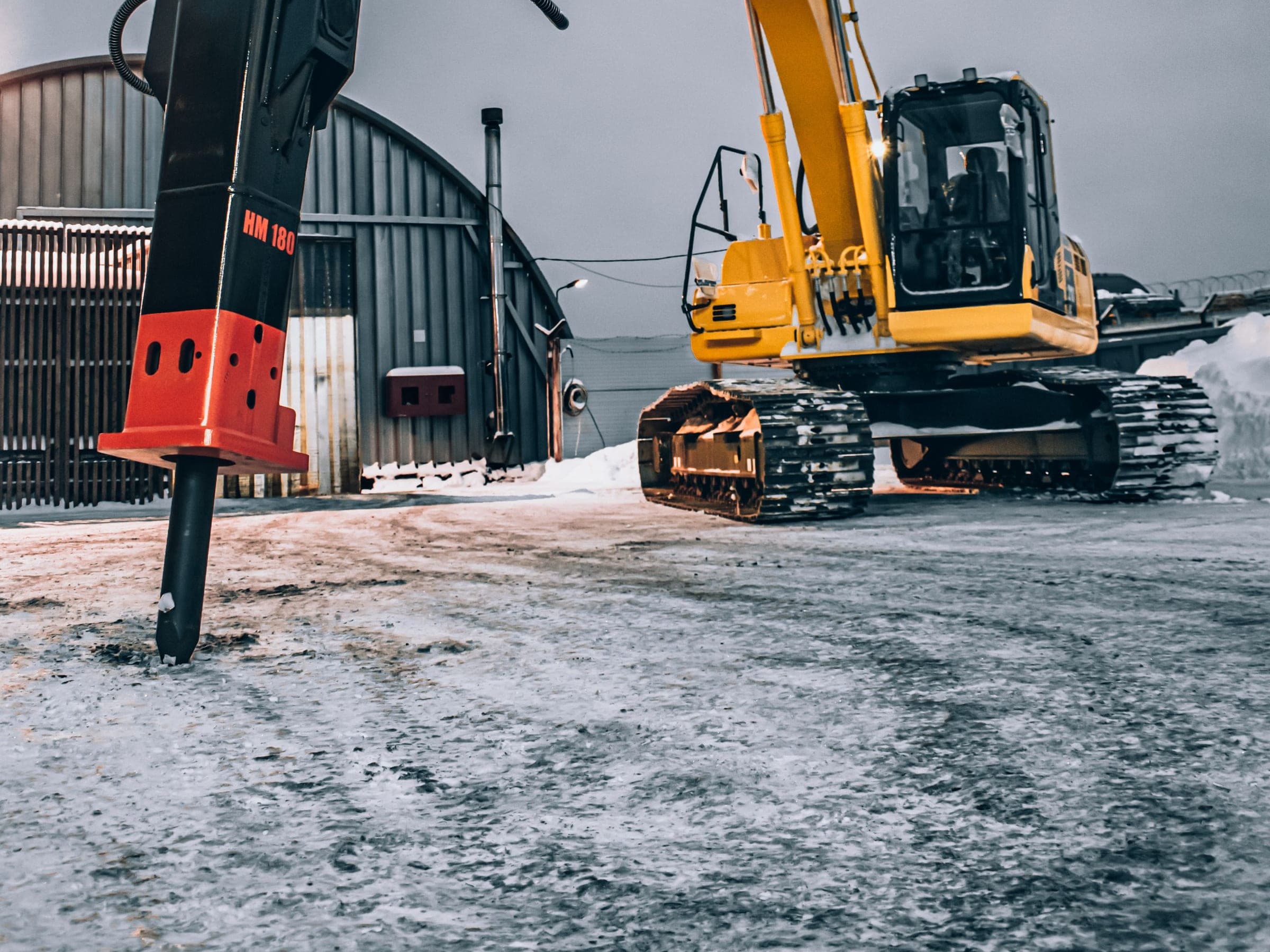
When reported hours, site activity or equipment use are questioned, teams can work from the same timestamped operational record instead of piecing the story together from separate recollections.
Recorded activity, service history and due or overdue alerts sit against the same asset. Maintenance teams get better context for deciding what needs attention and when.
Telemetry-derived patterns are most useful as a starting point for coaching and review, not as a verdict. Where an operator or shift has been assigned in advance, comparisons can help teams discuss working habits with the same evidence in front of them.
Separate recorded activity from inactive time and compare utilization across assets, sites and shifts. The result is a clearer view of where existing capacity is working and where it is waiting.
Connect an asset to SolidTrack, build its operational record and bring the information into the workflows your teams already manage.
Mount Unit
Mount the self-powered Field Unit on the asset. With no connection to the machine's electrical supply, the attachment can keep its own record as it moves between carriers.
Build the record
Location and motion telemetry are recorded against that specific asset. Assign an operator and shift in advance when you want activity attributed to them.
See the picture
Review reported location, activity, utilization, impact patterns and alerts through the same platform instead of losing the tool inside a fleet average.
Plan the next step
Follow up on exceptions, prepare maintenance, compare performance and carry the record into inspections and field workflows.
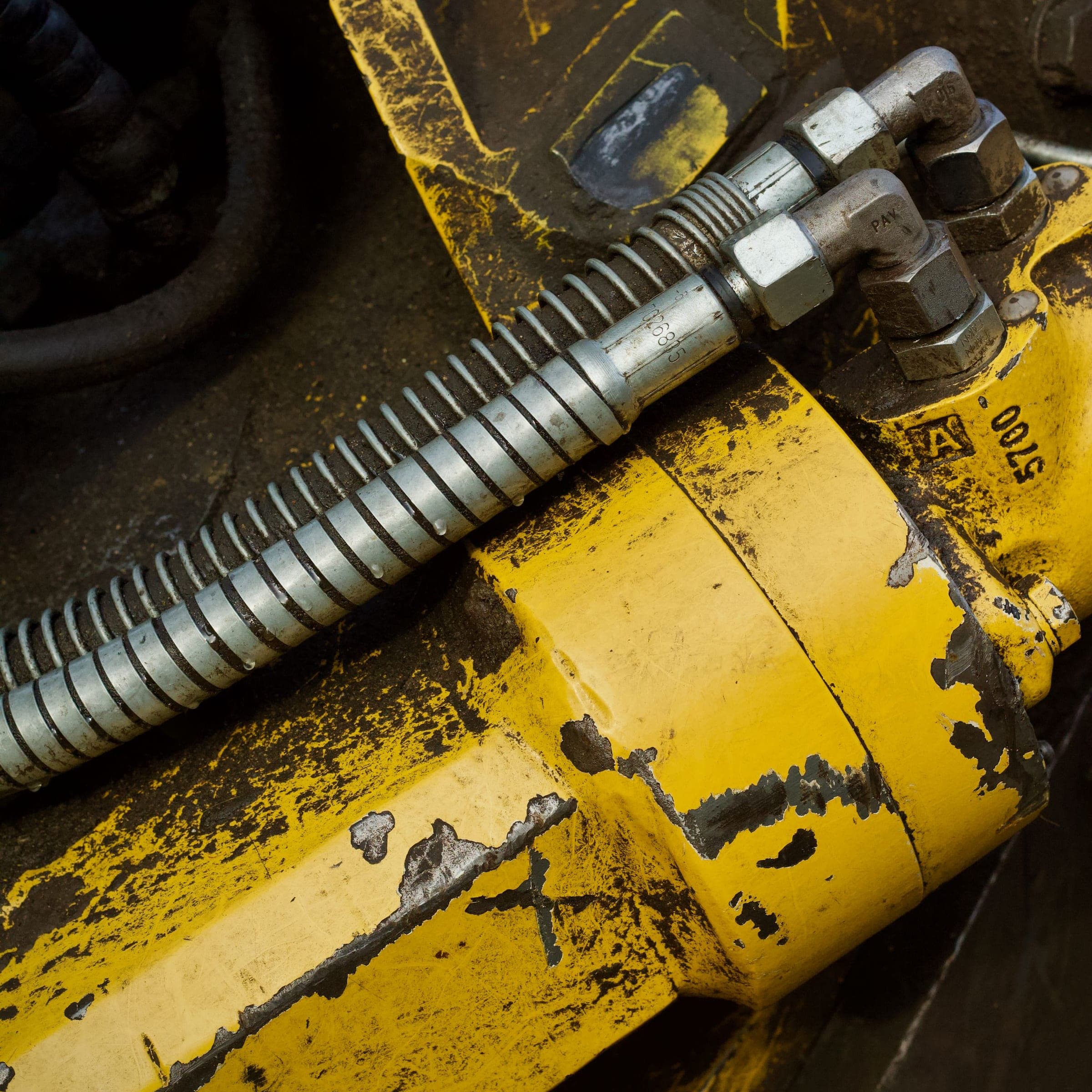
The self-powered Field Unit brings machines and attachments into SolidTrack without relying on an onboard electrical supply. It keeps activity, location and operational history connected to the asset itself.
IP69K-rated protection against high-pressure cleaning and dust ingress.
Its own sealed power source makes the unit suitable for attachments with no onboard electrical supply.
Three-axis motion telemetry gives supported equipment its own activity record.
The unit mounts to the asset without being wired into the machine.
Where is it, what did it do, who was assigned and what needs attention next? SolidTrack connects the answers across the same asset, site and team records.
See each asset's latest reported location and status, then filter the map to focus on the equipment and sites that matter now.
Bring geofence entry or exit, offline devices, low batteries, due or overdue maintenance, missed inspections and telemetry or usage-based anomalies to the right team's attention.
Compare recorded activity with inactive periods. For hydraulic breakers, review impact-duration patterns and telemetry-derived blank-firing classifications alongside the hour total.
Keep identity, documents, assignments, inspections and service history with the asset, so its record does not live in one person's head.
Plan work from recorded activity, configured service intervals and maintenance history, with due and overdue alerts keeping the next requirement visible.
Create sites and geofences, assign the equipment to monitor, track boundary events and configure alerts for entry, exit or a breach.
Bring teams and shifts, attendance, field incidents and inspections into the wider operational record. Operator and shift context is included where users make the assignment in advance.
Ask SolidAI Assistant operational questions in plain language and review the figures behind the answer. Use SolidAI Hub to compare equipment, assigned operators, sites and shifts, then bring those comparisons into company-level reporting.
Explore SolidAIWhen a customer, service partner or client needs to follow one asset, create a read-only tracking link and choose its expiry date. Send the external URL by email or WhatsApp. It shows that asset's current or latest reported location and movement history. It never exposes telemetry, documents, maintenance information or the rest of your operation.
The assets and platform modules your role can access
One asset's location and movement history, read-only and time-limited
The same SolidTrack platform supports different priorities across operations, maintenance, service and rental teams. Start with the workflow closest to the problem you need to solve.
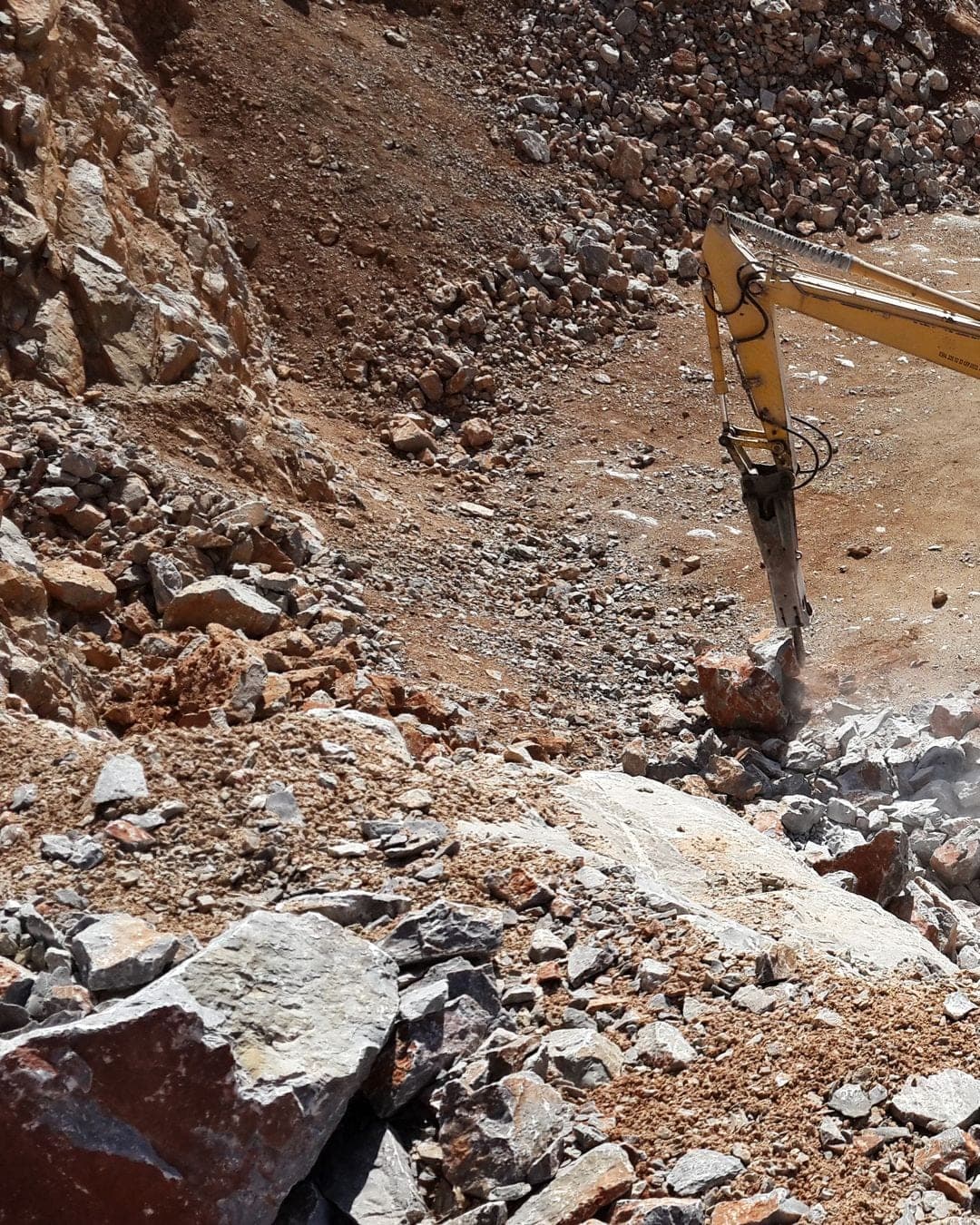
Compare breaker activity, impact patterns and assigned shift context
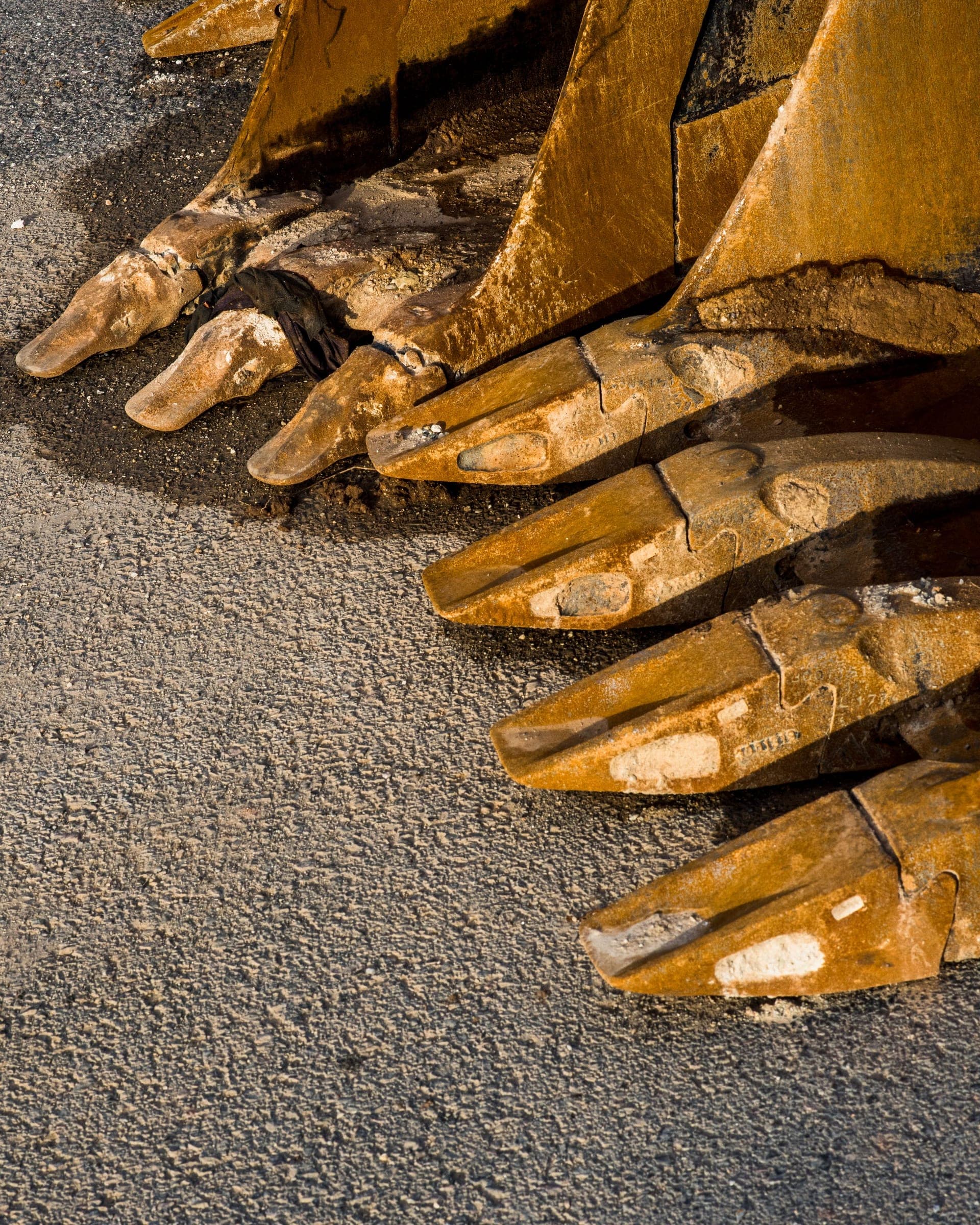
Keep activity, location, documents and history with the tool
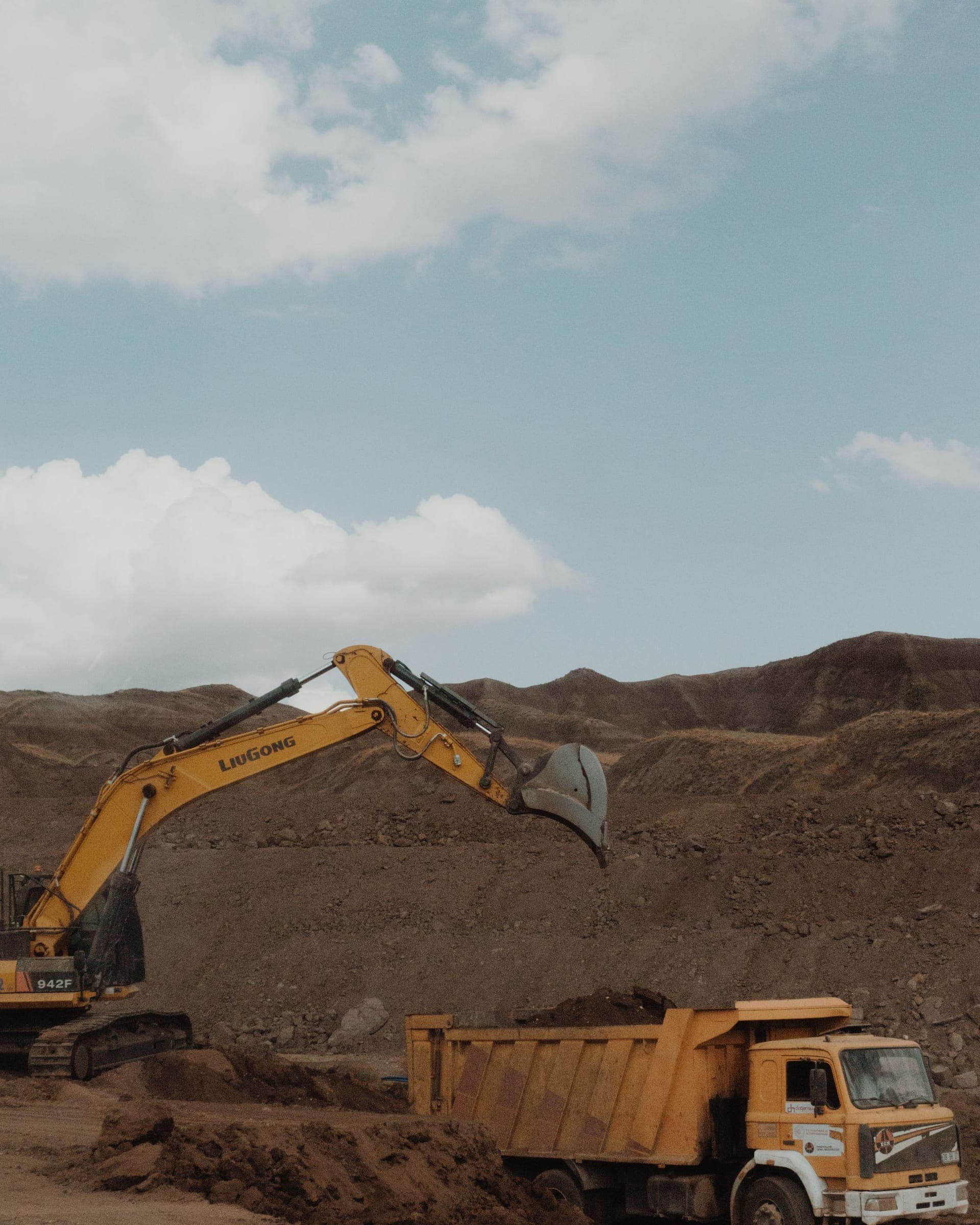
See utilization, reported location and exceptions across sites
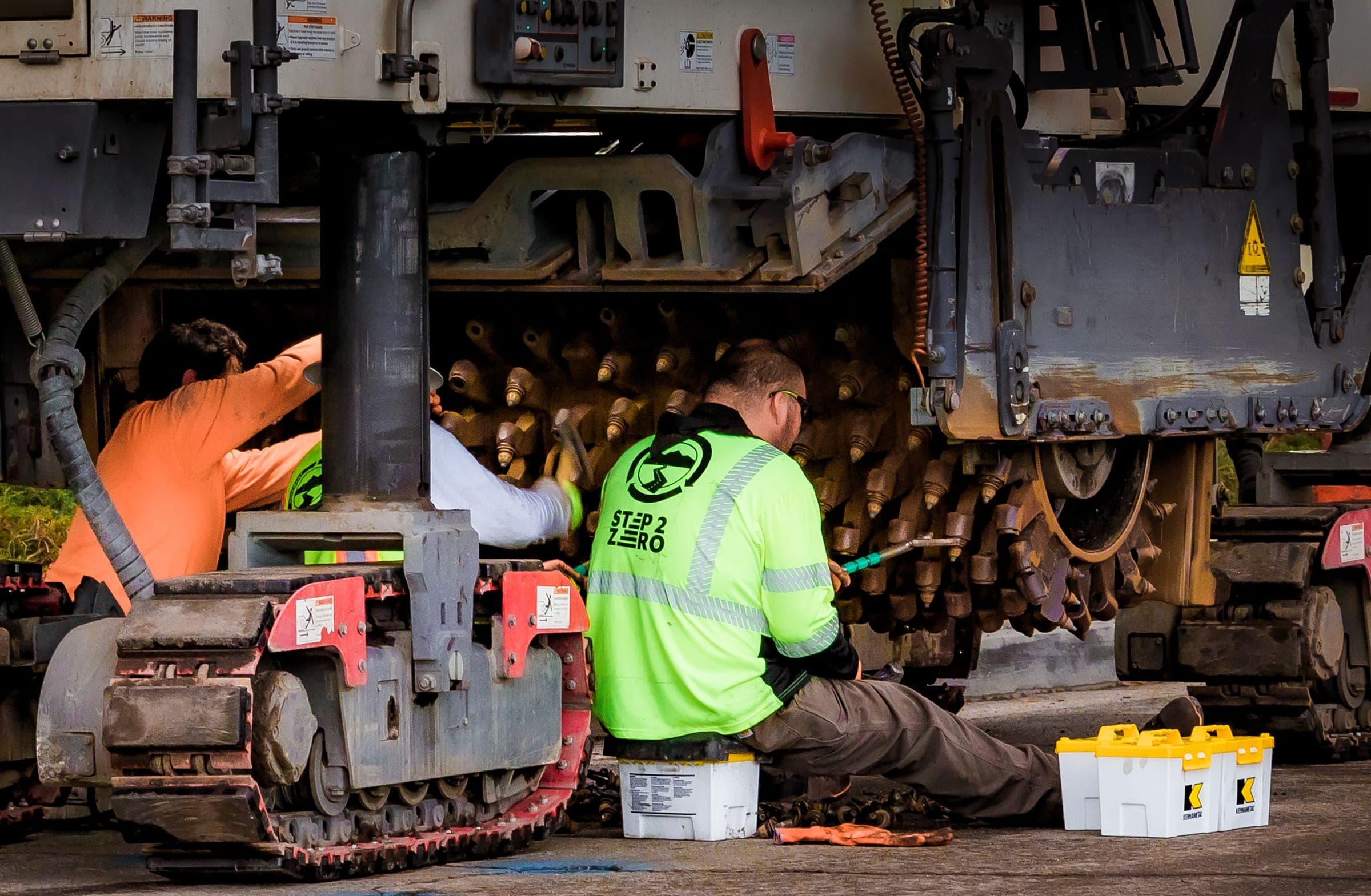
Prepare with the asset's history, inspections and service context
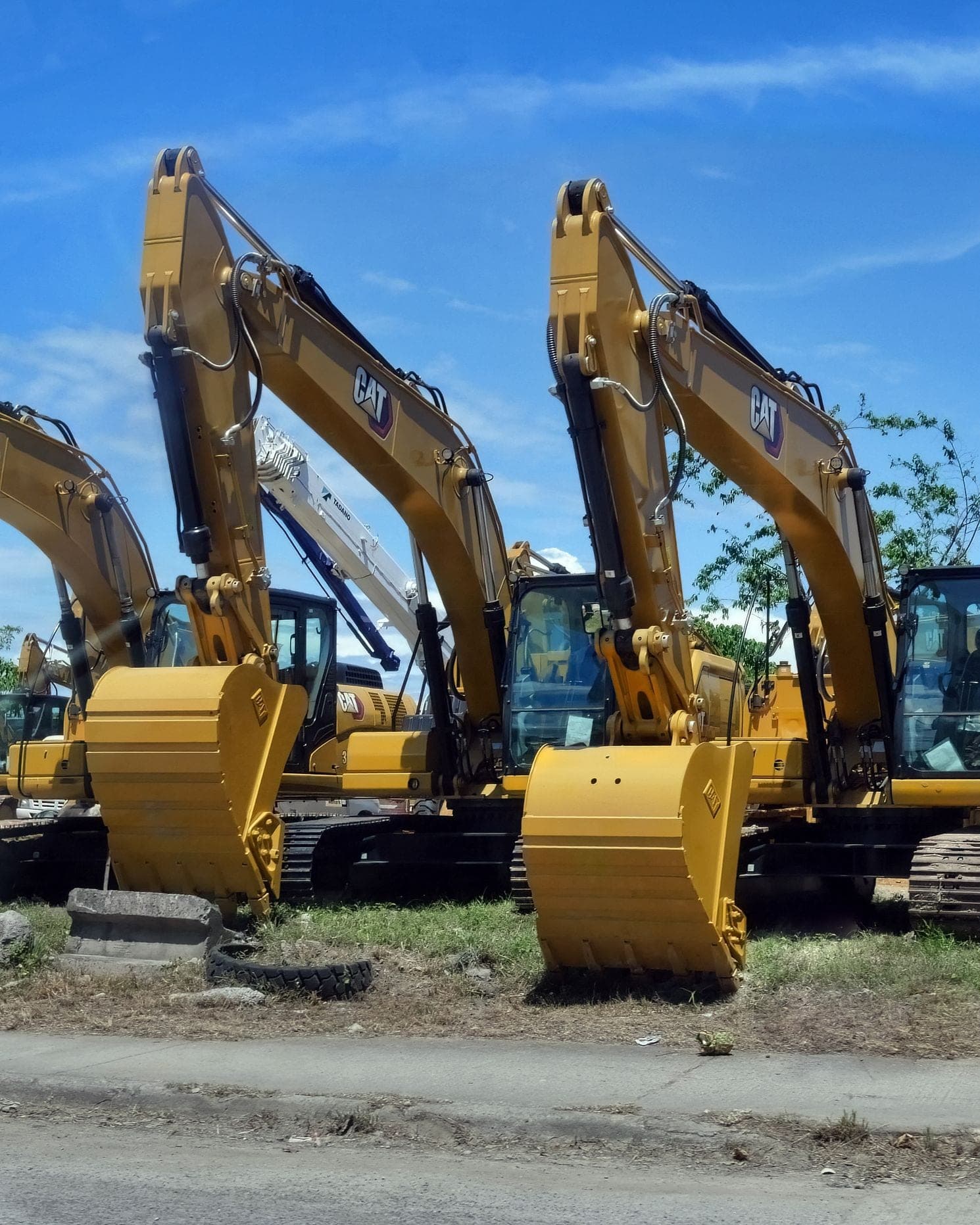
Support billing, handovers and customer conversations with a usage record
Three cumulative packages for operations of different scope.
Essential tracking for small fleets and specialist crews working across a few sites.
The whole operation: service timing, site checks and the crews behind the machines.
Deep AI analysis and multi-site structure for large operations.
Field notes on what the numbers actually mean, written for people who run machines rather than dashboards.
The Field Unit measures asset telemetry, not a person's identity. Operator and shift context appears only when your team assigns it in advance; SolidTrack does not detect it automatically. Telemetry-derived patterns are best introduced as evidence for coaching and operational review, with a clear workforce and privacy policy and the same figures visible to the people discussing them.
Yes. The Field Unit has its own long-life power source and is designed for attachments and assets that do not have onboard electrical systems.
Secure Share gives them a read-only tracking view for one asset through an external URL. They can see its current or latest reported location and movement history until the expiry date you choose. They cannot see telemetry, documents, maintenance information or any other part of your fleet, and they do not receive a SolidTrack account.
The record is built from asset-level telemetry instead of depending only on manual entries, and it stays with the equipment as it moves between sites or carriers. For supported equipment, SolidTrack also separates recorded activity from inactive periods and adds telemetry-derived classifications such as blank-firing patterns. Your team gets a consistent operational history with more context than a single hour total.
Bring the equipment, sites and workflow you want to improve. We will shape the walkthrough around your operation and show how SolidTrack connects visibility, utilization, maintenance, field operations and SolidAI in one platform.

